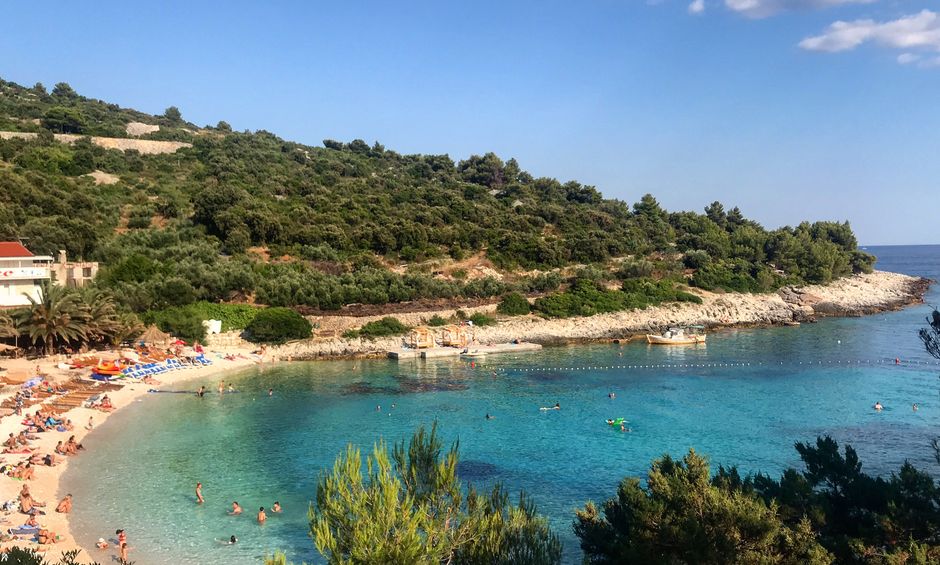
Hey fellow travelers—if you’re trying to figure out the best eSIM for Croatia, you’re probably wondering one thing: will it actually work where you’ll be? In this post, I’ll help you compare coverage (coast vs inland), pick the right data limit, set it up step by step, and decide whether it’s worth keeping for the islands.
Let’s be honest: Croatia can be amazing for signal, and also weirdly patchy in a few very specific places. The trick is choosing an eSIM that’s built for your route—not just “Croatia included”.
How to choose the right eSIM for Croatia (quick cheat sheet)
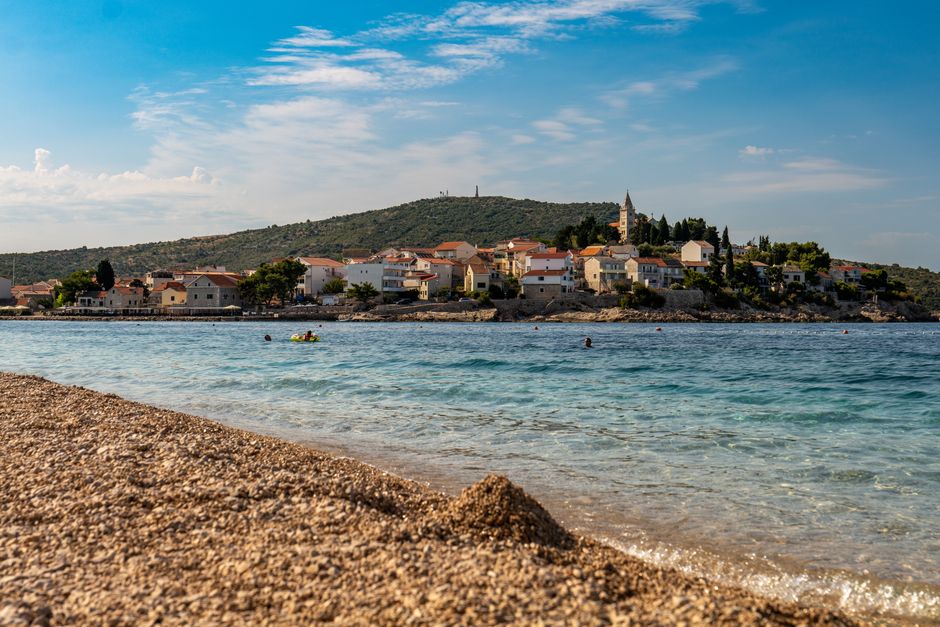
If you want the simplest way to choose, match your plan to your itinerary style. Croatia’s mobile coverage behaves differently depending on whether you’re hopping beaches/towns or driving deep inland.
Coast & islands trips
Choose an eSIM with:
- Reliable coverage on major coastal towns (think: where ferries dock and where you’ll use your phone most)
- Enough data for navigation + messaging (you’ll use maps constantly)
- A plan you can keep active without baby-sitting
Practical tip: if your trip is mostly along the coast and you’re doing islands for day trips, you’ll generally care more about staying connected than about having “tons of GB” you won’t use.
Inland road trips and national parks
Choose an eSIM with:
- Good coverage coverage for inland towns (not just the coast)
- Decent speed for maps even if you’re not at the coast
- A data buffer (when connectivity drops, you tend to refresh apps more)
Trade-off: inland areas can be slower or less consistent. So even if a plan looks great on paper, you’ll still want a buffer so you’re not constantly fighting loading times.
If you’re doing multiple countries
If Croatia is part of a bigger trip (e.g., a Balkan loop), look for:
- The easiest setup (you don’t want to be configuring eSIM profiles while you’re tired)
- A plan that won’t expire before you’re done
- The ability to keep Croatia active during island days
The “best” eSIM is the one you can actually manage smoothly.
Coverage: what ‘works’ really looks like in Croatia

Croatia isn’t one uniform connectivity experience. The coast is often strong, inland can be more hit-and-miss, and islands can vary by bay, altitude, and even time of day.
The coast can be great—until you’re deep inland
Here’s what I’ve learned the hard way: even when the signal is “available,” your phone’s experience can vary depending on:
- Where you are relative to the nearest tower
- Urban density vs. open spaces
- Whether you’re using the same phone location on the same day
So instead of assuming “Croatia included = everywhere,” I treat it like: coast towns usually behave, inland needs a little more confidence.
Old towns and ferry ports: the coverage gotchas
If you’re basing your entire decision on average coverage, you might get caught by the few places where things feel worse.
Here are the spots I’d personally sanity-check when choosing your eSIM plan:
- Dubrovnik Old Town
- Split waterfront
- Zadar old town
- Plitvice Lakes National Park
- Krka National Park
- Hvar
- Brač (Supetar)
- Korčula
Why these? Because they’re exactly where you’ll be:
- walking with directions open
- taking photos
- using message apps for meet-ups
- trying to load maps during stops
If your eSIM handles these kinds of “phone-heavy” moments, you’re in good shape.
The islands part: keep expectations realistic
Islands often do fine for basic data (maps + messaging), but “fine” can mean different things:
- You might get a stable connection in one town, then notice slower speeds a bit away.
- Ferries can drop service temporarily—usually not catastrophic, just annoying.
- If you roam across islands, you’ll want a plan that doesn’t just work on day one.
The real question isn’t “Will I get signal somewhere?” It’s “Will I get signal where I need it most—and will the plan stay active long enough?”
Data limits and how much you actually need
You don’t want to run out mid-route. But you also don’t want to pay for a huge bundle you won’t use.
Maps, WhatsApp, and photos: the usual culprits
Most people underestimate how quickly data disappears when you’re traveling.
Common “hidden” data use:
- Navigation (maps refreshing in real time)
- Messaging apps with photo sharing
- Uploading to cloud (photos syncing while you’re on the move)
- Background app refresh
If you’re traveling with someone and swapping photos/videos, your data use climbs faster than you think.
Choose a plan by days, not by GB anxiety
Instead of guessing based on a random number, pick a plan that matches your travel pace.
A simple way to estimate:
- Light use (mostly offline maps, occasional messages): you can usually get away with less
- Moderate use (maps all day + regular messaging): choose a mid-sized plan
- Heavy use (lots of photos, videos, frequent uploads, hotspotting if you do it): you need more cushion
If you’re not sure, my rule is to round up—not because you’ll definitely use it, but because slower coverage can make apps reload more often.
Avoid the trap: throttling and ‘fair use’
Some eSIM plans have limits that aren’t obvious until you’ve used a chunk of data.
Look out for:
- “Fair use” policies (often written vaguely)
- Speed changes after a threshold
- Plans that sound unlimited but aren’t really
How to handle it in real life:
- Download offline maps before you leave Wi‑Fi.
- Use messaging over Wi‑Fi when you can, but don’t assume you’ll always have it.
- If your provider offers multiple bundles, pick the one that keeps you comfortable through your island day(s).
eSIM setup steps (so you’re online on day one)
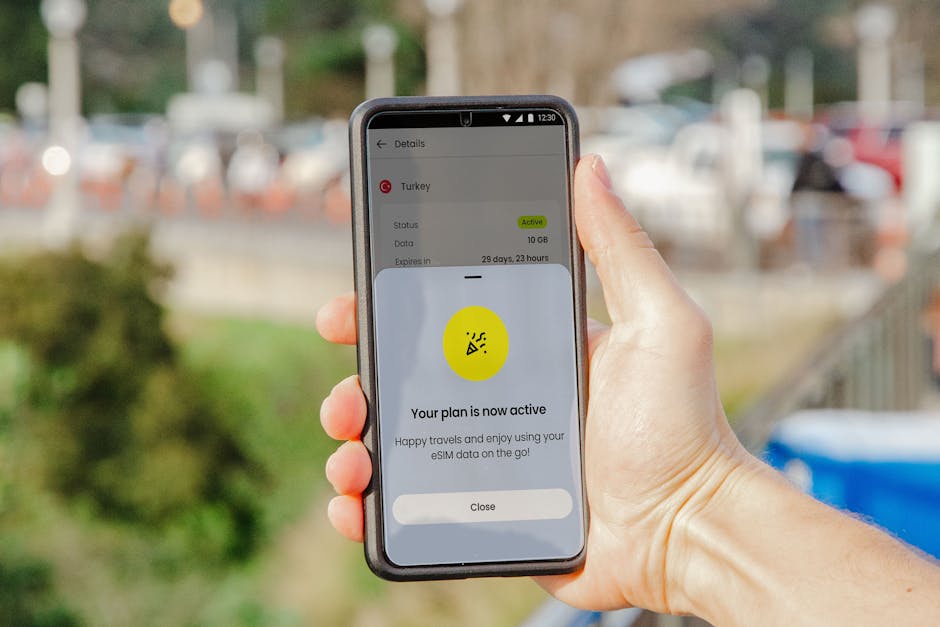
Nothing kills vacation vibes like “No service” on your first morning.
Before you land: what to do in airplane mode
Do this while you’re still in control (before you arrive at your hotel):
- Check your phone supports eSIM
- Turn on Airplane Mode
- Connect to Wi‑Fi
- Open the eSIM provider app (or follow the activation steps in your confirmation email)
- Make sure you can receive the activation/authentication message if your phone requires it
If you want an example of the typical “buy + activate before travel” workflow, services like Airalo are commonly used because the setup is straightforward—but always follow the exact steps shown in your own app.
Activation and APN: the 3 things to confirm
When your eSIM is “installed,” you still need it to be usable.
I recommend confirming:
- The eSIM is selected for mobile data (check your phone’s cellular settings)
- Mobile data is turned on for the eSIM profile
- APN isn’t set to something weird (most modern eSIM setups are automatic, but if you run into issues, check provider guidance)
Also: don’t panic if it takes a few minutes. Activation can be quick, but sometimes it’s not instant.
Troubleshooting: when it’s showing ‘no service’
If your eSIM isn’t working, try this sequence:
- Restart your phone (seriously—this fixes a surprising number of issues)
- Toggle Airplane Mode off and back on
- Confirm the eSIM is the active data line
- Check if there’s an option like “Reset network settings” (use carefully; it clears saved network info)
- If you’re at your hotel, step outside—buildings can block signal
If your coverage is the issue (not the setup), moving even a block or two can dramatically improve connectivity.
Should you keep the eSIM for islands (and when to switch)?
This is the part most travelers get wrong: they buy a Croatia eSIM for “Croatia,” then assume islands are automatically covered the same way.
When keeping the same eSIM is usually fine
Keep it for islands if:
- Your plan stays active long enough for your island days
- You’re mostly using maps + messaging (not streaming constantly)
- You’ve had decent signal during coastal towns and ferry areas
Also, if your app shows your data balance updating normally, that’s a good sign your plan is behaving.
When you’ll regret it (and what to do)
You might regret keeping the same eSIM if:
- Your plan is almost out of data before island day(s)
- You’re doing multiple islands with long transit and lots of phone use
- You plan to use your phone as a hotspot (this can blow through data fast)
In those cases, it’s usually smarter to:
- pick a bundle with enough cushion
- or top up (if the provider supports it)
- or keep a backup connectivity option (like downloading offline maps and key pages before you leave)
If you prefer an eSIM that focuses on flexibility/top-ups, Yesim is one of the options people consider for staying topped up during travel.
A quick ‘ferry day’ checklist
Ferry days are where you’ll feel the difference between “works” and “works well.”
Before you board:
- Download offline maps for your arrival port + your next connection point
- Charge your phone fully (or bring a small power bank)
- Check that your data session is active
During travel:
- Expect brief connectivity dips
- Don’t rely on video calls in dead zones
After you dock:
- Move a few meters away from dense buildings if signal feels weak
And if you’re the type who wants an easy regional data setup for trips with lots of hopping, Drimsim is another example people use—just make sure the Croatia plan matches the days you’ll actually be on the islands.
Final thoughts
Choosing the best eSIM for Croatia comes down to a few practical checks.
My rule of thumb
- If you’re mostly coast + towns: prioritize data that lasts and an eSIM that activates smoothly before you land.
- If you’re mixing in inland nature: prioritize having enough data buffer for slower/less consistent moments.
- If you’re island-hopping: buy for your whole island timeline, not just the mainland.
One last check before you go offline
Right before you leave (or as you land), do a fast confirmation:
- Your eSIM is the active data line
- You can open maps and load a couple of locations
- You have offline maps downloaded for the next 24 hours
If you do those things, you’ll spend your time enjoying Croatia—not troubleshooting your phone.